Business password management services help organizations protect employee credentials, reduce password reuse, manage shared access, and prepare for stronger passkey-based authentication.
Business password management services give employees a safer way to create, store, and use credentials across business applications while giving organizations more control over account access.
Passkeys add another layer of protection by replacing traditional password entry with cryptographic authentication designed to resist credential phishing. Together, password managers and passkeys can make secure access easier to maintain without relying on employees to remember dozens of complex passwords.
Why Business Password Management Services Matter
Employees may use accounts for email, financial systems, customer platforms, cloud applications, vendor portals, project tools, and administrative services. As the number of accounts grows, keeping every credential unique becomes harder.
A managed approach helps reduce that pressure. For example, employees can use generated credentials instead of creating memorable passwords, while administrators can maintain better oversight of shared business access.
Why Password Security Is Still a Business Risk
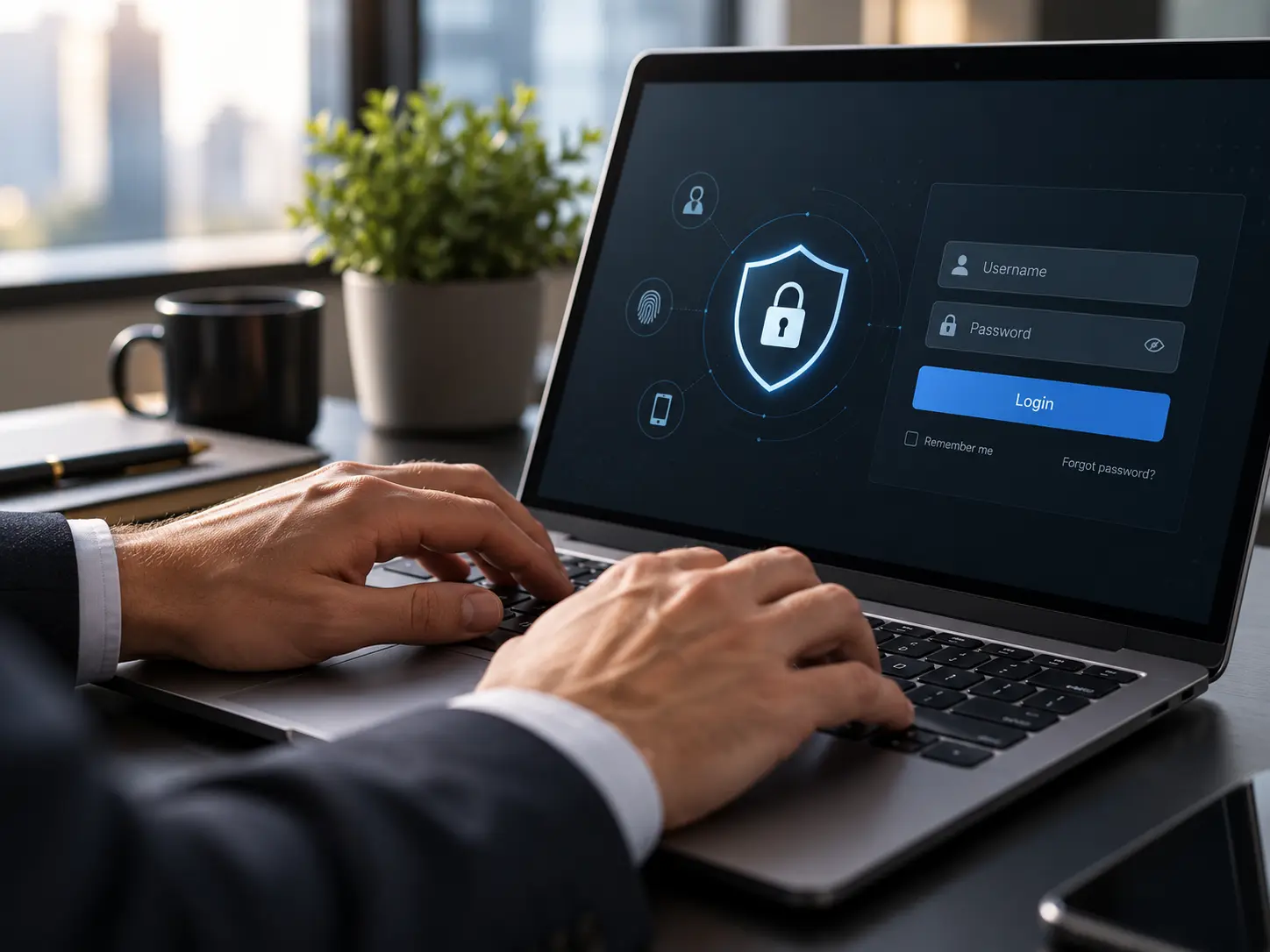
Passwords remain widely used across business applications, but employees may be responsible for many different accounts.
Because remembering dozens of complex passwords is difficult, people may reuse credentials or choose passwords that are easier to remember. In other cases, they may save passwords in spreadsheets, emails, browsers, or chat messages.
Common password-related risks include:
- Reusing the same password across multiple services
- Choosing predictable or easily guessed passwords
- Sharing credentials through email or chat
- Saving passwords in unsecured files
- Leaving shared credentials unchanged after an employee leaves
- Using old passwords after role changes
- Entering credentials into fraudulent login pages
When one credential is reused, a single account compromise can create additional risk elsewhere. Unique passwords reduce that possibility by limiting the usefulness of a stolen credential.
What Is a Business Password Manager?
A business password manager provides a protected place for employees to generate, store, organize, and use credentials.
Instead of remembering every password, employees can rely on the password manager to maintain unique credentials for different accounts. Meanwhile, administrators can manage access more consistently across the organization.
Depending on the platform, business password management may support:
- Encrypted credential storage
- Unique password generation
- Controlled shared credential access
- Employee onboarding and offboarding
- Administrative access controls
- Credential organization
- Passkey support
- Account recovery processes
As a result, employees have less reason to use weak passwords or save business credentials in insecure locations.
How Business Password Management Services Reduce Password Reuse
Business password management services make it more practical for employees to use different credentials for different accounts.
Rather than memorizing long passwords, users can generate and store them securely. This removes one of the main reasons people repeat the same password across several systems.
Password reuse matters because attackers may try exposed credentials against additional services. If the same password works elsewhere, one compromise can spread beyond the original account.
For that reason, unique credentials are an important part of reducing account takeover risk.
How Business Password Management Services Improve Shared Access
Business password management services can also provide a more controlled way to handle credentials used by more than one employee.
Some organizations still rely on shared accounts for vendor portals, websites, administrative tools, or other applications. Sending those passwords through email or chat creates unnecessary copies of the credential.
In practice, a managed password system can allow approved employees to use shared credentials without distributing them through informal communication channels.
When responsibilities change, access can then be reviewed instead of assuming a former employee or contractor no longer knows the password.
What Is a Passkey?
A passkey is an authentication credential based on public-key cryptography. It can replace the traditional process of entering a password into a website or application.
With a passkey, the private cryptographic key stays with the user's device or credential provider. The online service receives a corresponding public key instead of storing a reusable password.
The FIDO Alliance authentication specifications describe how FIDO authentication uses public-key cryptography and creates credentials associated with individual online services.
Because users are no longer typing the same secret into login forms, several common password risks can be reduced.
How Passkeys Improve Phishing Resistance
Traditional credential phishing often depends on convincing someone to enter a password into a fraudulent login page.
Passkeys work differently because the credential is tied to the legitimate website or application. A fake website cannot simply request the passkey the way it could request a password.
Google's passkey documentation explains that passkeys use public-key cryptography and are bound to the identity of a website or application.
For businesses, this is useful because phishing campaigns often target email, cloud accounts, administrative systems, and other high-value services.
Business Password Management Services and Passkey Adoption
Business password management services can support organizations while they gradually adopt passkeys.
Many business applications still require traditional passwords, so moving to passwordless authentication will not happen all at once. In the meantime, those existing credentials still need to be protected.
A practical strategy is to manage passwords securely today while introducing passkeys for services that already support them.
This approach allows businesses to strengthen existing accounts without waiting for every vendor to support passwordless authentication.
Passkeys Are Becoming More Common
Passkey adoption continues to increase as more online services and business platforms support passwordless sign-in.
The FIDO Alliance Passkey Index 2026 reported continued growth in passkey use among participating organizations.
The research also found that passkey authentication can provide a faster sign-in experience than traditional authentication workflows.
Better usability matters because employees are more likely to follow security controls when those controls do not create unnecessary friction.
Password Managers and Passkeys Solve Different Problems
Password managers and passkeys both strengthen account security, but they are not interchangeable.
Password Managers
Password managers help employees generate, store, organize, and share traditional credentials securely. They remain useful for applications that still depend on passwords.
Passkeys
Passkeys replace traditional password entry for supported applications. They use cryptographic credentials designed to provide stronger resistance to phishing.
Since many applications still require passwords, businesses may need both technologies for years.
Passkeys Can Reduce Credential Theft Opportunities
Valid business credentials are valuable because attackers can use them to appear like legitimate users.
The FIDO Alliance's enterprise guidance on replacing passwords with passkeys discusses how passkeys can reduce risks from credential phishing and credential stuffing.
That protection is particularly relevant for email, financial systems, cloud applications, and administrative accounts.
At the same time, passkeys should be viewed as one layer of account security rather than a replacement for every other cybersecurity control.
Passkey-Themed Phishing Can Still Target Employees
Passkeys resist credential phishing, but attackers may still use unfamiliar security changes as social engineering bait.
For example, BleepingComputer reported on passkey-themed phishing attacks that impersonated IT support and directed employees toward fraudulent Microsoft login pages.
The attackers were not defeating passkey cryptography. Instead, they used a fake security update to convince employees to reveal other credentials.
Because of this, security awareness training for employees remains important even as authentication technology improves.
Business Password Management Services and Employee Offboarding
Business password management services should help businesses manage what happens to credentials when an employee changes roles or leaves.
Shared passwords, cloud applications, vendor portals, and saved credentials can all create unnecessary access if they are not reviewed during offboarding.
SecuraLynx's guide to user access management and employee offboarding explains why businesses should review accounts, permissions, devices, and sessions when employment ends.
By connecting credential management with offboarding, businesses can remove access more consistently instead of relying on memory.
Passkeys and Microsoft 365 Security
Microsoft continues to support phishing-resistant authentication methods for business identities.
Microsoft's phishing-resistant MFA guidance discusses passkeys, FIDO2 security keys, Windows Hello for Business, and related authentication approaches.
Authentication is only one part of Microsoft 365 security. Email protection, user training, monitoring, backup, and account access still matter.
SecuraLynx provides Microsoft 365 security and consulting services that support broader protection around business identities, communications, and cloud data.
How Business Password Management Services Support Employee Onboarding
Business password management services can make employee onboarding more consistent from the beginning.
New employees can receive approved access to the systems they need without coworkers sending passwords through email, chat, or other informal channels.
A structured onboarding process can help answer:
- Which accounts does the employee need?
- Which credentials must remain unique?
- Which shared systems should be available?
- Which accounts support passkeys?
- Where should MFA be required?
- Who approves access to sensitive systems?
- How will access be removed later?
Starting with organized account access also makes later role changes and employee departures easier to manage.
Do Passkeys Replace Multi-Factor Authentication?
Passkeys can change how multi-factor authentication works, but the exact security properties depend on the implementation.
A passkey may combine possession of the cryptographic credential with local verification such as a PIN or biometric check.
As a result, some passkey implementations can satisfy multi-factor authentication requirements without asking the employee to enter a separate one-time code.
Businesses should still evaluate authentication requirements based on the account, application, device, compliance obligations, and level of risk.
Strong Authentication Still Needs Endpoint Security
Password managers and passkeys help protect account access, while endpoint security protects the laptops and devices employees use to reach those accounts.
For instance, a strong passkey cannot compensate for an unmanaged laptop that is missing updates or infected with malware.
SecuraLynx's managed endpoint security services include device management, vulnerability checks, patch management, monitoring, alerts, and incident support.
Combining secure authentication with protected endpoints creates a stronger overall defense.
Business Password Management Services and Account Recovery
Business password management services should also consider what happens when an employee loses access to a device, forgets a master credential, or needs an account restored.
Recovery procedures are important because attackers sometimes target password reset and account recovery workflows instead of the normal login process.
In practice, businesses should define who can approve recovery, how identities are verified, and how access is restored when a device is lost or replaced.
Strong recovery procedures help prevent convenience from becoming a weak point in an otherwise secure authentication system.
How Businesses Can Start Adopting Passkeys
Businesses do not need to replace every password at once. A gradual rollout can make adoption easier for both employees and IT staff.
Practical steps may include:
- Identify applications that already support passkeys
- Prioritize higher-risk accounts
- Review administrator authentication
- Test passkeys with a smaller group first
- Prepare account recovery procedures
- Train employees on the new sign-in process
- Keep password management for unsupported systems
- Review authentication activity after deployment
The FIDO Alliance provides enterprise passkey deployment resources for organizations planning wider adoption.
Starting with a controlled rollout also gives the business time to identify compatibility issues and employee-support needs.
What Should Businesses Look for in Business Password Management Services?
Businesses comparing business password management services should look beyond whether a platform can simply save passwords.
Useful questions include:
- Can employees generate strong unique passwords?
- How are stored credentials protected?
- Can shared access be managed centrally?
- Can employee access be removed during offboarding?
- Does the solution support passkeys?
- How are lost devices handled?
- What account recovery options are available?
- Can access vary by employee role?
- Does it work with existing MFA requirements?
Most importantly, the system should make secure credential practices easier to follow consistently.
How SecuraLynx Supports Business Password Management Services
SecuraLynx lists password and passkey management as part of its broader managed cybersecurity offering.
Business password management services can work alongside Microsoft 365 security, endpoint protection, employee awareness, monitoring, backups, and user access controls.
You can review SecuraLynx's broader managed IT security services to see how password and passkey management fits into a layered security approach.
This matters because authentication, devices, employee access, permissions, and monitoring are stronger when they are managed together.
Include Credential Security in a Cybersecurity Assessment
Many businesses already have password policies, but policies do not always show how credentials are actually managed in everyday work.
A cybersecurity risk assessment can help identify weaknesses across authentication, account access, endpoints, permissions, monitoring, and other security controls.
For example, an assessment may identify password reuse, unnecessary shared accounts, weak offboarding practices, or applications that could support stronger authentication.
From there, the organization can prioritize password management, passkeys, MFA, and access changes based on actual business risk.
Frequently Asked Questions
What is a business password manager?
A business password manager provides a structured way to generate, store, organize, and share credentials securely while supporting employee access management.
What is a passkey?
A passkey is a cryptographic authentication credential that can replace a traditional password. Rather than typing a reusable secret, the user authenticates with a credential associated with the legitimate service.
Are passkeys safer than passwords?
Passkeys reduce several common risks, including password reuse, credential stuffing, and traditional credential phishing. Businesses still need secure devices, recovery procedures, access management, and monitoring.
Do businesses still need password managers if they use passkeys?
In many environments, yes. Not every business application supports passkeys, so password managers can continue protecting traditional accounts while the organization adopts passkeys where available.
Can passkeys prevent phishing?
Passkeys are designed to resist credential phishing because the credential is bound to the legitimate service. Employees can still encounter social engineering, so security awareness remains important.
What are business password management services?
Business password management services help organizations reduce password reuse, protect employee credentials, manage shared access, support onboarding and offboarding, and strengthen authentication practices.
Make Business Password Management Services Part of Your Security Strategy
Business password management services can help organizations reduce password reuse, protect shared credentials, manage employee access, and improve everyday account security.
At the same time, passkeys can strengthen authentication by replacing reusable passwords with cryptographic credentials for supported applications.
Strong account security still works best alongside endpoint protection, employee awareness, monitoring, access management, backups, and reliable recovery procedures.
As passkey support expands, businesses can gradually reduce their dependence on passwords while keeping the credentials they still need properly managed.
Are Business Passwords Creating Unnecessary Risk?
SecuraLynx can help review password and passkey management, Microsoft 365 security, user access, endpoint protection, and other controls that protect business accounts.
A cybersecurity assessment can help identify credential risks and determine where stronger authentication practices may fit your environment.
Request a Security Assessment